Independent estate agents and private landlords in South Africa who photograph their own properties on a phone and post the listings themselves.
How it works
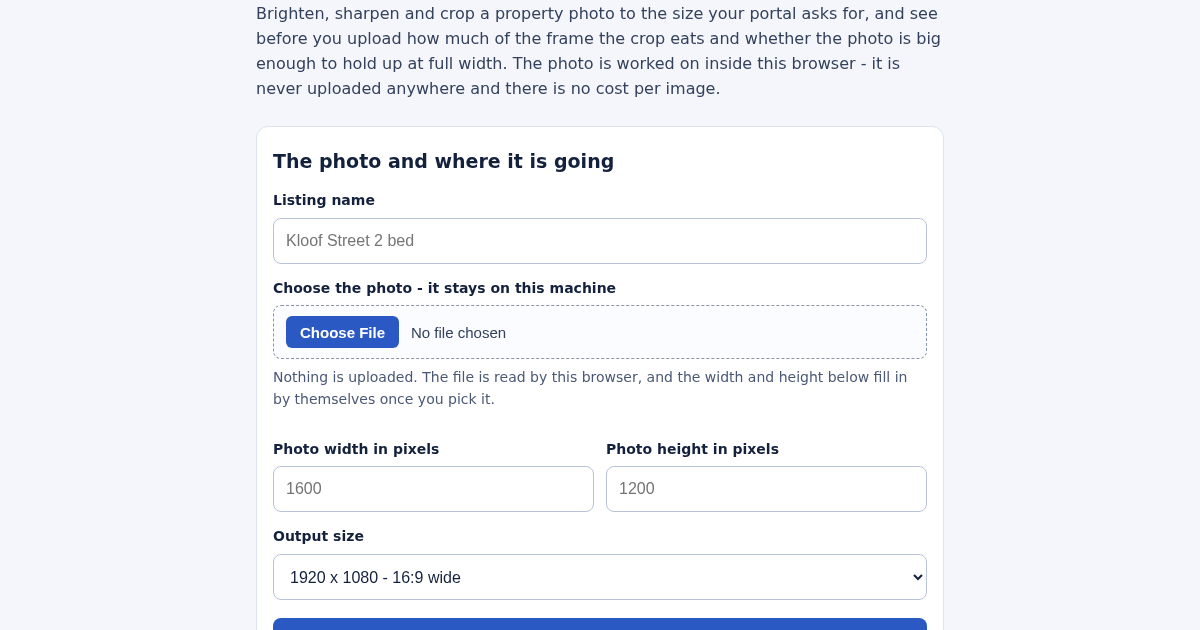
- Name the listing, for example "Kloof Street 2 bed".
- Choose the photo. It stays on this machine and the pixel size fills in by itself.
- Pick the output size your portal asks for and work out the crop.
- Read the crop plan and the readiness score, adjust the dials, apply, and download the JPEG.
What you gain
- Enhances property photos directly in your browser — nothing is uploaded anywhere — and warns you before export if the crop you picked will lose quality.
Screenshot
Technical details
How to set up & use
- Buy the license — your key (lic_...) appears on the order page and in your email.
- Sign in at app.synoriaai.com with your license key.
- No installation — the product runs in your browser, on your own isolated instance.
- 1. Open the app and enter your listing name (e.g., 'Kloof Street 2 bed').
- 2. Enter your photo's width and height in pixels, then choose your target output size (e.g., 1920x1080).
- 3. Click 'Plan' to see the crop box, pixel offset, and percentage of the frame removed, plus a readiness score out of 100.
- 4. Adjust brightness, contrast, and sharpen dials as needed; the score updates with each change.
- 5. Export as JPEG with your chosen quality, and save the listing by name—reworking the same listing updates it instead of duplicating.
Frequently asked questions
Is my photo uploaded to a server?
No. The photo is processed entirely in your browser using Canvas, so it never leaves your device. There are no per-image costs and no external service involved.
What does the readiness score tell me?
It's a score out of 100 based on four checks: upscaling, crop loss, orientation, and megapixels. Each check prints the number it measured, so you can see exactly what's affecting the score.
Can the tool add detail to a low-resolution photo?
No. It warns you when the crop is smaller than the output size, because enlarging a photo cannot add detail. The tool enhances contrast and sharpness but does not invent new pixels.
Related products
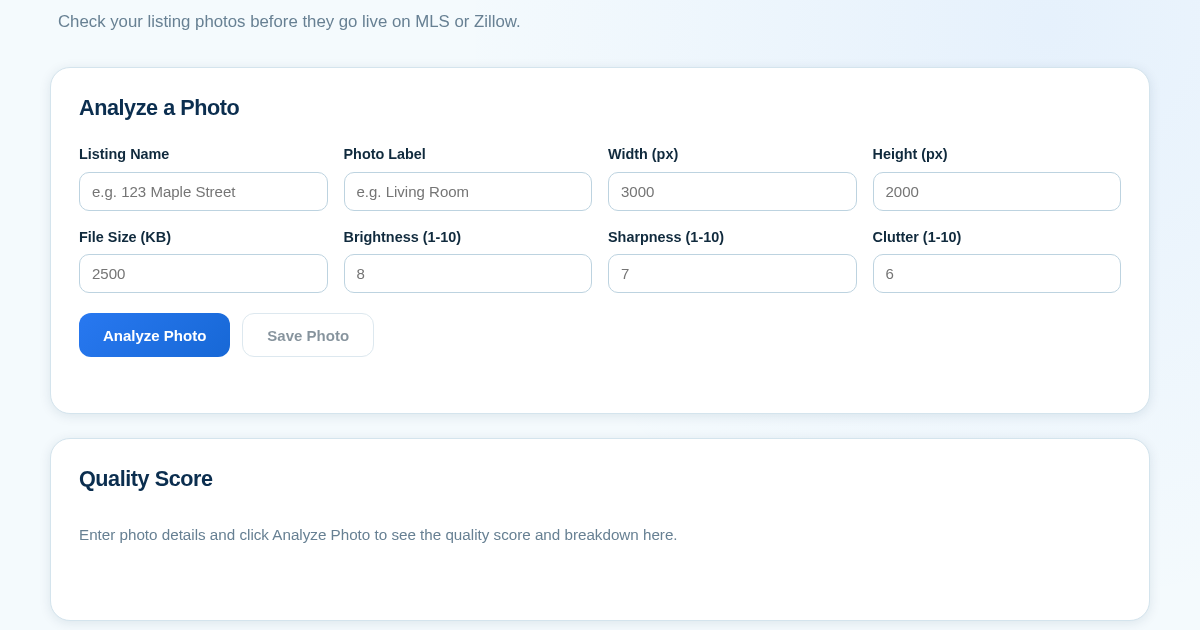
ListingPhotoScore - Know Before You Publish
Real estate agents often publish listing photos that are too dark, blurry, or cluttered, which can hurt a property's appeal on MLS or Zillow. This tool lets agents manually score each photo on brightness, sharpness,…
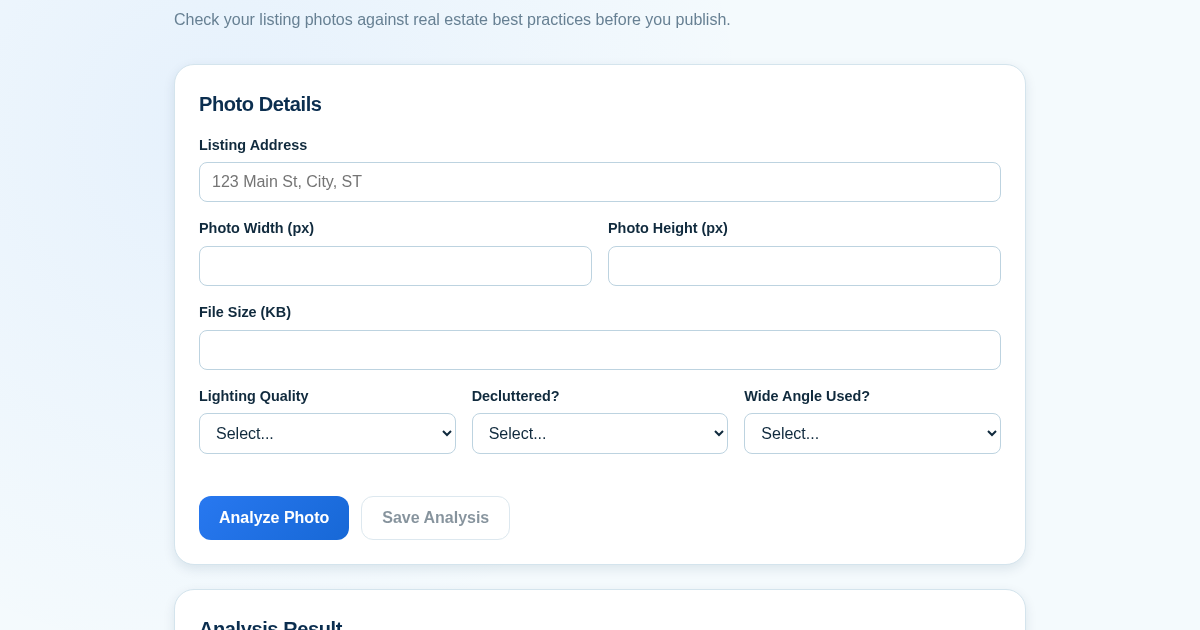
Listing Photo Score Checklist
Real estate agents often publish listing photos that are too dark, cluttered, or low-resolution, which can hurt a property's appeal. This tool provides a quick quality check before photos go live on MLS or Zillow. It…
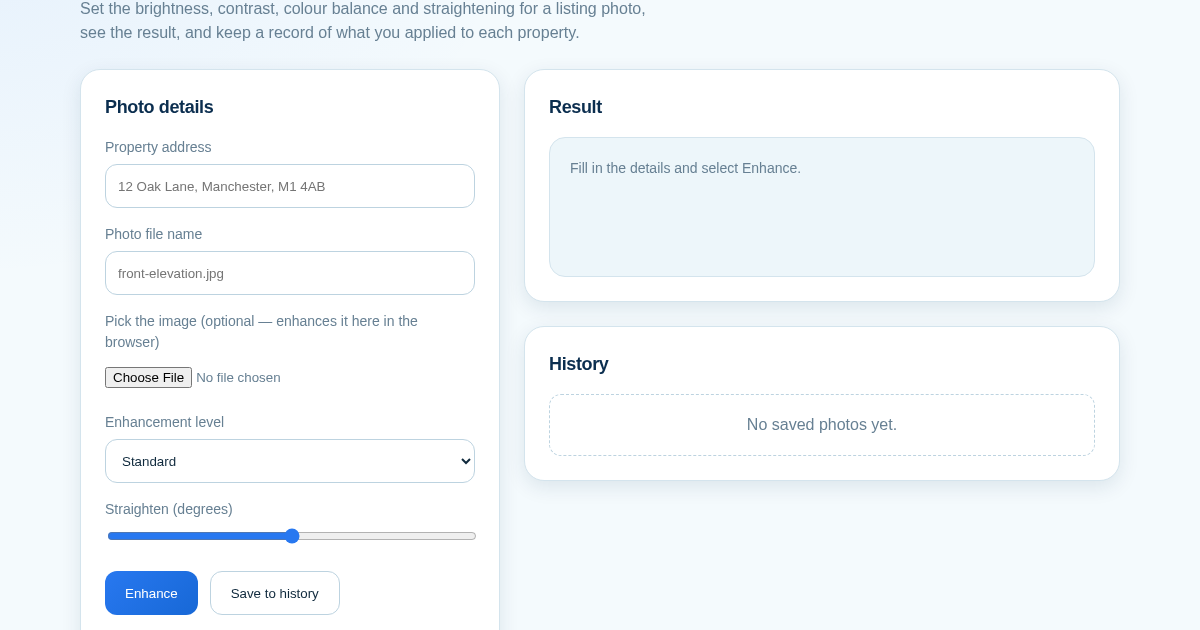
ListingLift - Make Your Property Photos Look Professional
Listing photos taken on a phone are often dim, flat or slightly tilted, and portals show them next to professionally shot competitors. This tool applies brightness, contrast, colour and straightening to a photo in the…